You have seen it on a call this week. Someone joins with a slick office behind them, but the company logo sits in the corner looking like a sticker someone slapped on the glass. That is the tell. A branded virtual background with a company logo only works when the logo looks like it belongs in the room. When it does not, your brain flags it in about a second, and the polish you were going for turns into a distraction.
The reason is almost always the same. The logo is a flat overlay pasted onto a stock photo. This guide breaks down exactly why that looks fake on a webcam, what makes a logo read as real instead, and how to decide whether to fix it yourself or buy it done.
The Visual Tell: Flat Overlay vs. Real Sign
Picture two versions of the same call. In the first, a logo PNG floats in the upper corner over an office photo. It faces dead-on, casts no shadow, and glows a slightly different color than the room around it. In the second, the same logo is mounted on the wall as backlit metal letters, leaning with the wall at the room's angle and catching the light from the window.
The first looks like a watermark. The second looks like an office. That gap is what people mean when they say a logo virtual background looks fake. The flat version has no depth, so it floats in front of the camera's focus plane instead of sitting back on the wall with everything else.
- No perspective. A flat logo faces straight at the camera while the wall behind it angles away. Real objects on that wall would lean with it.
- No shadow. Every physical sign throws at least a soft shadow. A pasted graphic floats with nothing grounding it to the surface.
- Wrong light. The room might be warm and lamp-lit while the logo carries the cool, even light of whatever file it came from. The mismatch is subtle but constant.
- Wrong focus. The wall sits in the soft, slightly blurred background. A crisp flat logo on top breaks the depth and reads as a separate layer.
A real sign avoids all four problems because it is rendered as part of the scene. Think backlit metal letters, an etched glass panel, or a lobby reception sign, the kinds of things a real office actually has on the wall.
Why Overlays Read as Fake on a Webcam
Webcams make the problem worse, not better. Video compression flattens color and softens detail, so the seam between a pasted logo and the photo underneath it gets more obvious, not less. Here is what your viewers' eyes are reacting to, even if they could never put it into words.
The brain is built to spot the mismatch
Humans read depth from shadows, perspective, and light direction without thinking about it. When a logo ignores all three, the scene stops looking like a single space and starts looking like two images stacked on top of each other. You do not consciously decide the background is fake. You just feel that something is off, and that feeling lands on you, not the photo.
This is the core difference in the 3D logo vs flat watermark background debate. A flat watermark is a label on a picture. A dimensional sign is an object in a room. On a high-trust call, like a pitch, a client review, or a recruiting screen, that difference shapes how serious you look before you say a word.
What Makes a Branded Virtual Background Look Real
A realistic logo virtual background comes down to one principle: the logo has to obey the same physics as everything else in the frame. When it does, the eye accepts it as part of the scene and moves on. Four things make that happen.
- It inherits the room's perspective. The sign foreshortens to match the wall's vanishing point, so it leans with the wall instead of facing the camera head-on.
- It catches the room's light. The same window or lamp that lights the desk lights the sign, with highlights and a soft cast shadow in the right direction.
- The material behaves correctly. Metal reflects, glass refracts, painted letters stay matte. The surface reads as the material it is supposed to be, not as printed ink.
- The size and placement are sane. The sign sits at a believable scale on the wall, with breathing room around it, where a real office would actually hang it.
This is exactly what we render at LogoWalls. You pick an office scene and upload your logo, and AI renders it into the room as a real sign matched to that room's perspective and lighting, not pasted on as a flat layer. The output is a 1920x1080 HD file ready to upload.
One Logo, Rendered Across 14 Office Scenes
Looking real is not just about the rendering. It is also about matching the scene to the call. The same logo can sit in 14 different office settings, each rendered consistently, so you can choose the room that fits the moment.
- Executive, boardroom, and consulting scenes for high-trust calls where you want to look established. The Glass Boardroom renders your logo as an etched glass sign behind the table.
- Creative, startup, and minimalist scenes for everyday standups, demos, and team calls where you want energy without looking stuffy.
- Medical and finance scenes tuned to those fields, so the room reads as credible to the people you serve.
- One brand, rendered the same way across every wall you pick, so your logo stays consistent no matter which scene you are in.
That range matters because you do not take every call from the same chair in life, and your background should not pretend you do. Browse the full set on the shop page and match the room to the meeting.
Buyer Objections, Answered
If you are weighing a custom branded background against doing it yourself, here are the honest answers to the questions buyers actually ask.
How long does it take?
The render is fast. You upload your logo and the AI generates the in-room sign, so you are not waiting a day or more for a designer to email a draft. That matters when you have a call this afternoon, not next week.
What does it cost?
Walls start at $49.99 each, and you need no design skill. Compare that to the hours it takes to fake depth by hand in a design tool, or the cost of a designer who may still hand you a flat logo on a 2D scene. You are paying for the rendering that makes the logo look real, which is the part that is genuinely hard to do yourself.
Will it work where I take calls?
Yes. Every wall ships as a standard 1920x1080 16:9 file, which is the format Zoom, Microsoft Teams, and Google Meet all expect. You upload the same image to each platform's background settings, so one branded asset covers every call you take. No green screen required; all three platforms separate you from the background with AI.
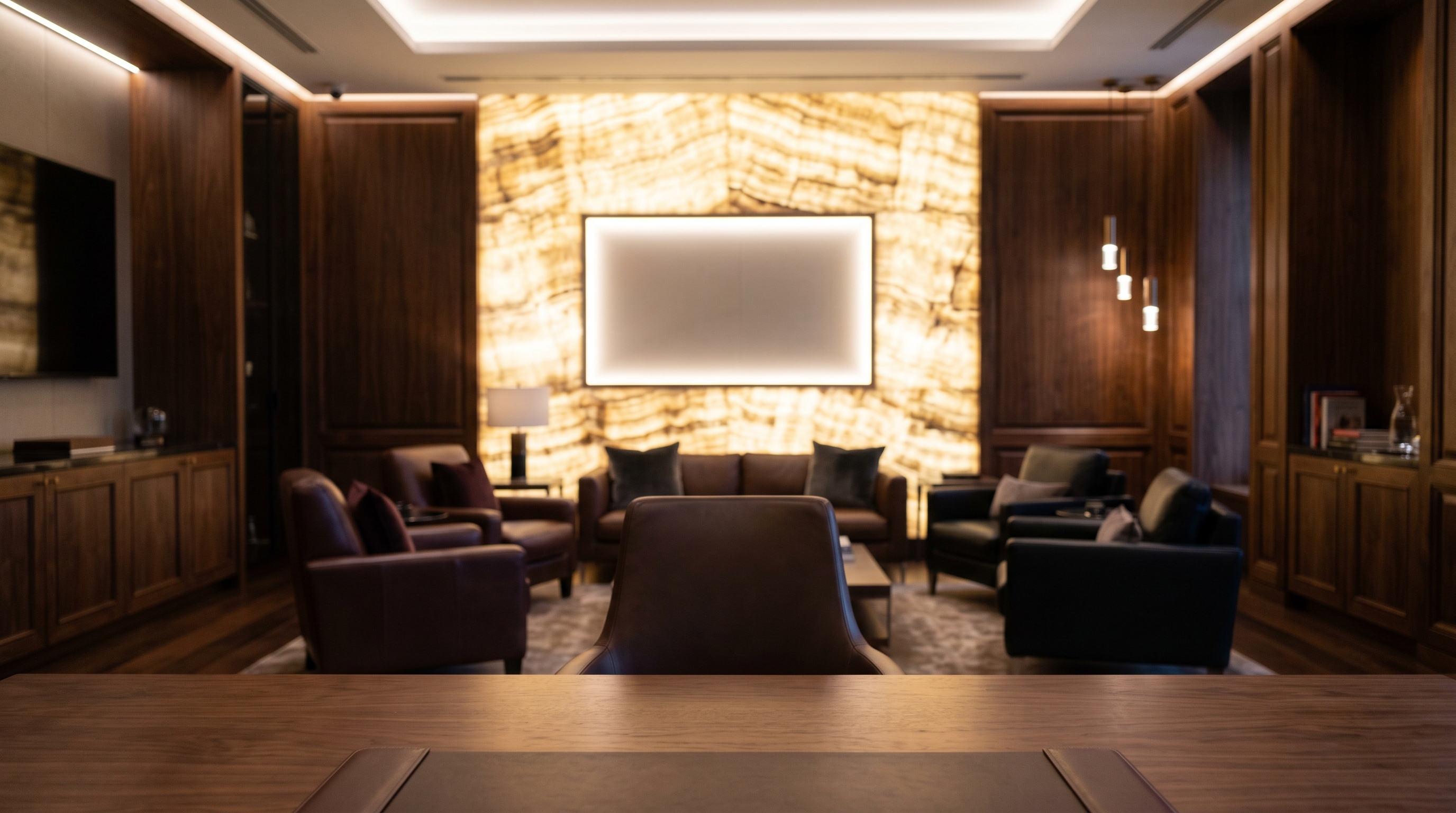
For a high-stakes pitch or a recruiting screen, a scene like the Luxury Lounge renders your logo as a real sign on a warm, lit wall, so you look like you are calling from a branded office instead of a borrowed stock photo.
The Takeaway
Branded backgrounds look fake for one reason: the logo is a flat overlay that ignores the room. Fix that one thing and the whole impression changes. A logo rendered as a dimensional sign, matched to the wall's perspective and the room's light, stops reading as a watermark and starts reading as your office. That is the version that earns trust on camera, and it is the version worth paying for.